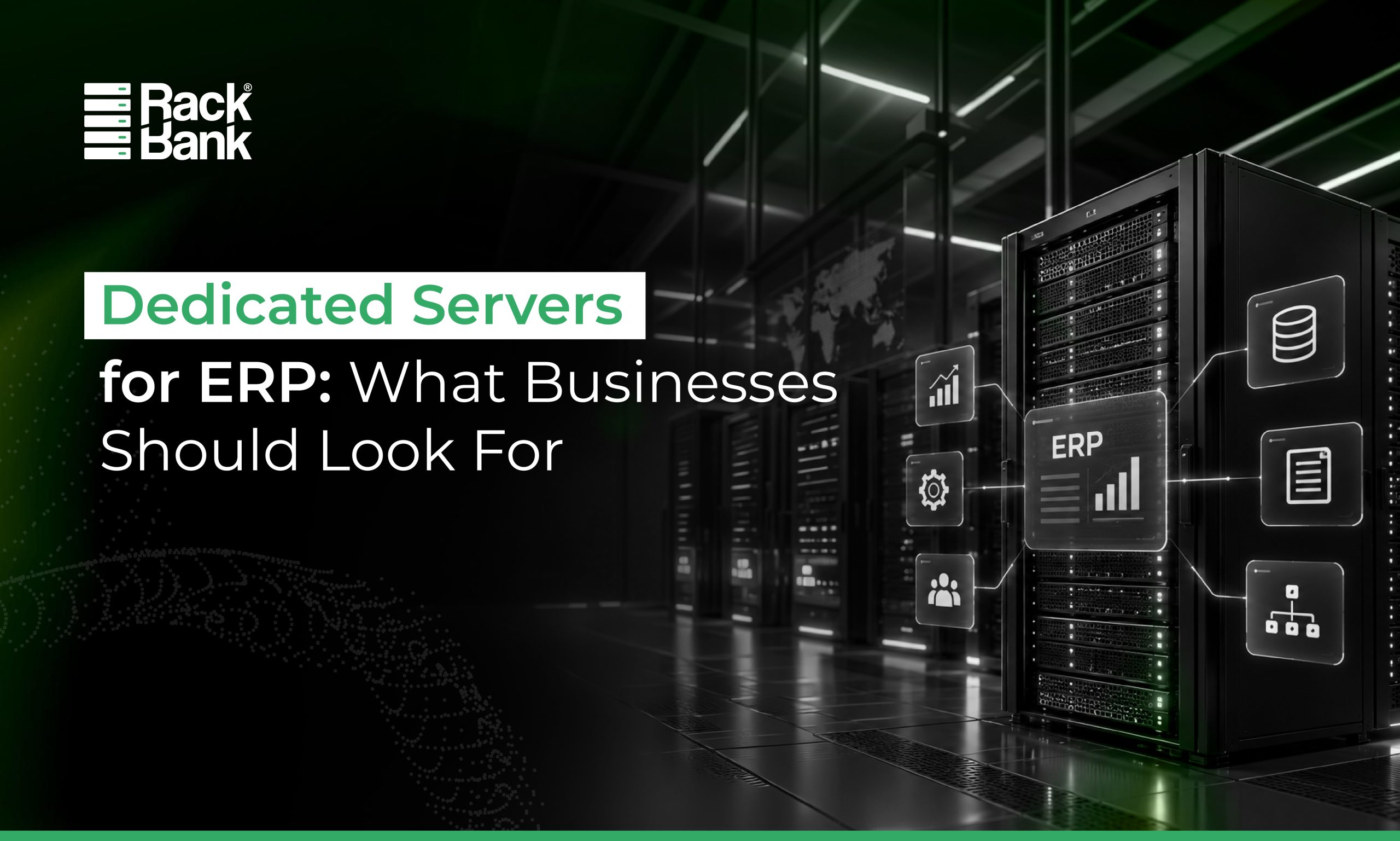
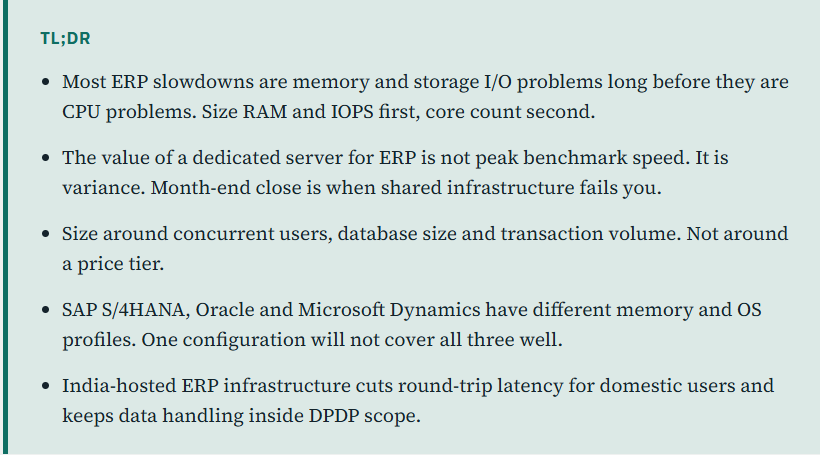
ERP is the system your finance team closes the books on, your warehouse picks stock against, and your sales team quotes from. When it lags, the cost is not measured in milliseconds. It is measured in people waiting. That is why choosing dedicated servers for ERP is an infrastructure sizing exercise, not a hosting purchase.
Why ERP Infrastructure Matters for Business Performance
ERP connects finance, inventory, procurement, HR and sales against one shared database. Every module writes to it. Every report reads from it.
That coupling is what makes ERP workloads grow unpredictably. Add users, add modules, add three years of transaction history, and the same server that felt fast at go-live starts queuing. Reports that ran in seconds run in minutes. Posting a batch blocks someone else’s lookup. For multi-user ERP environments, predictable response time matters more than headline speed, because users notice inconsistency far more than they notice a slow average.
Why Dedicated Servers Are a Strong Fit for ERP Workloads
A dedicated ERP server gives you the whole machine. CPU, RAM and storage are yours, not scheduled against someone else’s workload.
The practical benefit shows up under contention. There is no noisy neighbour consuming IOPS during your month-end close. You control the OS, the database engine, the kernel tuning and the patch window. You can shape the configuration around what your ERP actually needs rather than fitting it into a fixed instance size. For stable, business-critical workloads with known usage patterns, that control is worth more than elasticity you will rarely use.
7 Things to Look for in a Dedicated Server for ERP
1. CPU Performance and Core Count
ERP mixes short transactional queries with heavy reporting. High clock speed serves interactive users; core count serves concurrency and background jobs. Enterprise Intel Xeon configurations from 8 to 48 cores cover most mid-market to enterprise deployments.
2. Sufficient RAM for ERP Workloads
This is where most ERP deployments are under-provisioned. The database wants your working set in memory. Once it spills to disk, response times fall off sharply. RackBank configures high-memory nodes from 32 GB up to 2 TB of DDR4/DDR5 ECC RAM. ECC matters here because silent memory corruption in a financial ledger is not a recoverable problem.
3. Fast and Reliable Storage
SSD is the floor. NVMe is the answer for transactional ERP, because random read and write latency, not sequential throughput, is what governs query response. Ask for IOPS figures, not just capacity. RAID 10 gives you both the write performance and the redundancy that ERP databases need.
4. Network Performance and Reliability
ERP is rarely one system anymore. It talks to payment gateways, logistics APIs, BI tools and branch offices. Redundant network paths and low-latency routing keep those integrations from timing out. Check whether the provider carries a network availability SLA, not just a server uptime number.
5. Security and Access Controls
ERP holds financial records, employee data and vendor contracts. Look for network-layer firewall, DDoS protection, VPN-only administrative access, role-based controls, encrypted backups, and a datacenter with real physical security. Certifications like ISO 27001 and TIA-942 Rated 3 tell you the controls are audited rather than asserted.
6. High Availability and Uptime
Dual power feeds, DG backup, redundant network, 24×7 monitoring and a hardware replacement SLA. Read the SLA, not the marketing figure. A four-hour outage during a quarter-end close costs more than the annual difference between two uptime tiers.
7. Scalability and Hardware Flexibility
Your database will be larger in two years. Confirm the upgrade path for RAM, CPU and storage before you sign, and confirm what a migration to a bigger node actually involves.
Dedicated Servers for SAP, Oracle and Microsoft Dynamics
| Platform | Infrastructure consideration |
|---|---|
| SAP ECC, S/4HANA | Memory-first. In-memory processing pushes RAM requirements well beyond conventional ERP sizing |
| Oracle E-Business Suite, Fusion | Storage IOPS and licensing-aware core counts. Often Linux-based |
| Microsoft Dynamics 365, NAV, AX | Windows Server plus SQL Server. Size for SQL memory and tempdb placement |
| ERPNext, Odoo, custom stacks | Root access and OS choice matter more than raw specification |
The pattern to notice: the platform decides where your budget goes, not how much of it you spend.
Dedicated Server vs Cloud vs VPS for ERP
| Factor | Dedicated Server | VPS | Public Cloud |
|---|---|---|---|
| Resource isolation | High | Moderate | Variable |
| Performance consistency | High | Moderate | Depends on configuration |
| Hardware control | High | Low | Low |
| Scalability | Hardware-based | High | Very high |
| Cost predictability | High | High | Variable |
| Customization | High | Moderate | High |
None of these is universally better. Public cloud earns its premium when demand is spiky or you need to spin environments up and down. VPS suits smaller deployments with modest concurrency. Dedicated infrastructure wins when the workload is steady, the performance floor matters more than the ceiling, and you want a cost line you can forecast.
How to Size a Dedicated Server for Your ERP
| Variable | What it drives |
|---|---|
| Concurrent users | CPU cores, RAM |
| Database size | RAM, storage capacity |
| Transaction volume | Storage IOPS, CPU clock |
| Reporting and analytics load | RAM, read IOPS |
| Backup and retention policy | Storage capacity, network |
| Expected growth (24 to 36 months) | Upgrade headroom |
Why India-Based Dedicated Servers Can Matter for ERP
For users in India, an India-hosted ERP server removes the round-trip penalty of an overseas region, and that shows up directly in screen response for transactional work. It also simplifies the compliance conversation. RackBank operates India-based datacenters in Raipur, Indore and Mumbai with DPDP-aligned data handling, so ERP data stays resident unless you deliberately configure cross-border replication. Support in your timezone is the third, less discussed benefit.
What RackBank Offers for ERP Workloads
Enterprise Intel Xeon hardware with ECC memory, high-memory configurations, NVMe SSD storage on RAID 10, and dedicated resources throughout. Software and network-layer firewall, DDoS protection, and VPN-only administrative access. KVM over IP, free remote reboot and full root access. Hardware replacement under SLA, free ping monitoring, and 24x7x365 technical support. Windows Server and Linux both supported, including Ubuntu, RHEL, Rocky and SUSE. Free migration assistance from existing infrastructure. All of it hosted in India-based, ISO 27001 certified datacenters.
How to Choose the Right Dedicated Server for Your ERP
Before selecting a server, evaluate:
- Number of concurrent ERP users
- CPU and core requirements
- RAM requirements
- Database size and growth rate
- Storage type and IOPS
- RAID configuration
- Network requirements and integrations
- Backup and DR strategy
- Security and compliance requirements
- Availability and SLA terms
- Upgrade path
- Support coverage and response times
Final Thoughts
ERP infrastructure should be chosen against workload requirements, not against a specification sheet or a monthly price. Work out what your users, database and transaction volume actually demand, then find hardware that meets it with room to grow. Get that order right and the rest follows.
Run Your ERP on Dedicated Infrastructure
Get a dedicated server configured around your ERP workload, user count, performance requirements and growth plans.
FAQs
It depends on database size and concurrent users. Small deployments run comfortably on 32 to 64 GB. Mid-size ERP typically needs 128 GB or more. SAP S/4HANA and Oracle Fusion environments commonly require 512 GB to 2 TB.
Most mid-market ERP deployments run well on 8 to 24 cores. Higher concurrency, heavy reporting or multiple modules push that to 48 cores or more. Clock speed matters as much as count for interactive users.
A dedicated bare metal server with high-frequency multi-core CPUs, ECC RAM sized to your database, NVMe storage on RAID 10, and redundant networking.
Choose dedicated when the workload is steady and predictable performance and cost matter most. Choose cloud when demand is genuinely variable or you need environments on demand.
Yes. RackBank hosts SAP ECC and S/4HANA, Oracle E-Business Suite and Fusion, and Microsoft Dynamics 365, NAV, AX and GP on high-memory dedicated servers with Windows or Linux and full root access.